How to Copy Products from One Shopify Store to Another
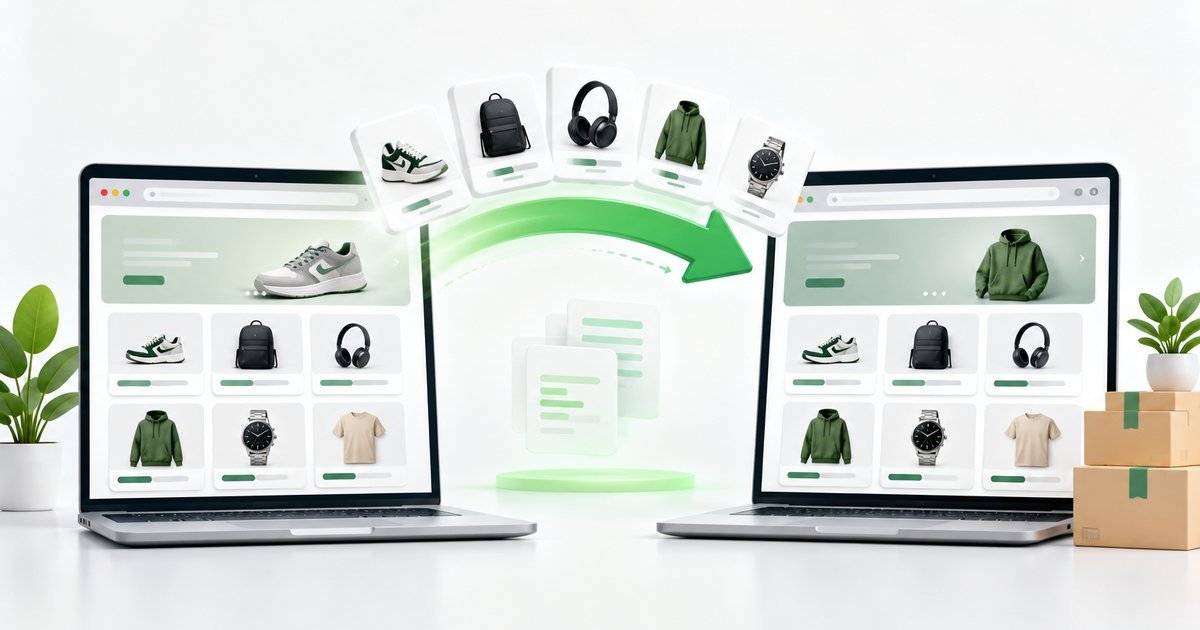
Whether you are migrating to a new store, setting up a second shop, or stocking a regional storefront, copying products between Shopify stores is a common task. There are two practical ways to do it: the manual export-and-import route, and an automatic method that reads the store's public product data. Here is how both work.
Method 1 — Export and import (the manual way)
If you own (or have admin access to) both stores, the official route works well: in the source store's admin, go to Products → Export and download the CSV. Then follow the normal import flow in the target store: Products → Import, upload the file, review the preview, and confirm.
This method is reliable, but it requires admin access to the source store and a few manual steps on both sides.
Method 2 — Automatic import from the store's public data
Every Shopify store publicly exposes its product catalog at a standard endpoint (/products.json). That means you do not need admin access to read a store's products — only the store link.
Our free Shopify Products Importer uses exactly this public data and turns it into a ready-to-import CSV:
- Paste the source store's link into the tool.
- Click Import Products — the full catalog loads in a preview dashboard.
- Select the products you want (or take them all).
- Download the CSV and upload it in your own store via Products → Import.
Which method should you choose?
- You own both stores — the manual export/import route works fine and also copies inventory and more metadata.
- You only have the store link (or you want speed) — the automatic tool is the faster option and needs no logins.
- You only want specific products — both methods support selecting products, but the tool makes it much easier with search and checkboxes.
Important things to keep in mind
- Product content (titles, descriptions, images) belongs to the store owners. Make sure you have the right to reuse it.
- The automatic method only reads publicly available catalog data — it does not bypass any authentication or private data.
- Always respect the store's terms and applicable laws when copying content.
Ready to try it?
Open the free Shopify Products Importer, paste a store link, and get your CSV in seconds. If you are new to the import process, read how to import products into Shopify step by step first.
Ready to import products?
Generate a Shopify-ready CSV from any store link — free, no sign-up.
Open the free tool